Campus skin
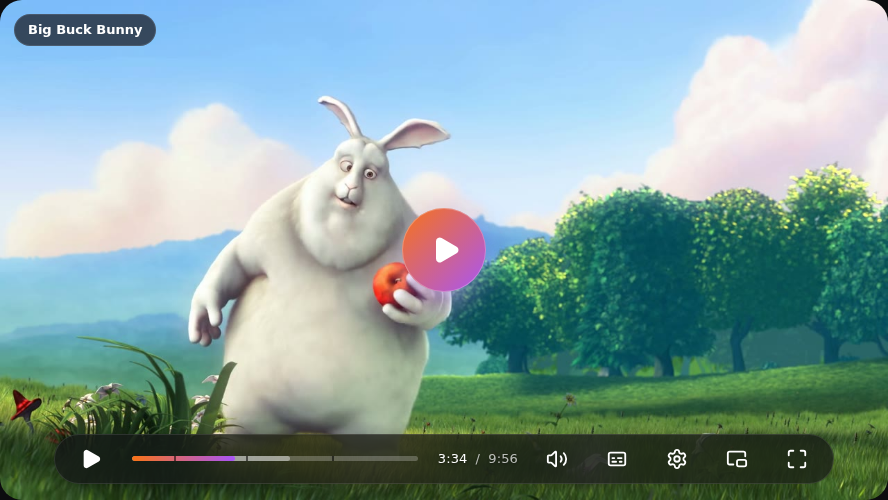
4.9 KB gzipCampus is ported from the CampusLoop landing page: a playful paper-sticker control strip, sticker-style captions, a speed cycle and tap-to-unmute. It is portrait-first and can autoplay muted when scrolled into view.
Accent
Big Buck Bunny © Blender Foundation, CC BY 3.0, via Wikimedia Commons. HLS test stream by Mux, DASH by Akamai.Install and use
player.ts — ts
At a glance
Options
Pass these to campus(). Every skin also accepts design tokens through createPlayer({ tokens }).
| Option | Type | Description |
|---|---|---|
| playLabel | string | Label of the big play pill (default "Play the video"). |
| autoplayInView | boolean | Autoplay muted when scrolled into view. |
| errorMessage | string | Message shown when the media fails. |
| theme | 'light' | 'dark' | 'auto' | Sticker color scheme. |