Tube skin

Unofficial3.9 KB gzip

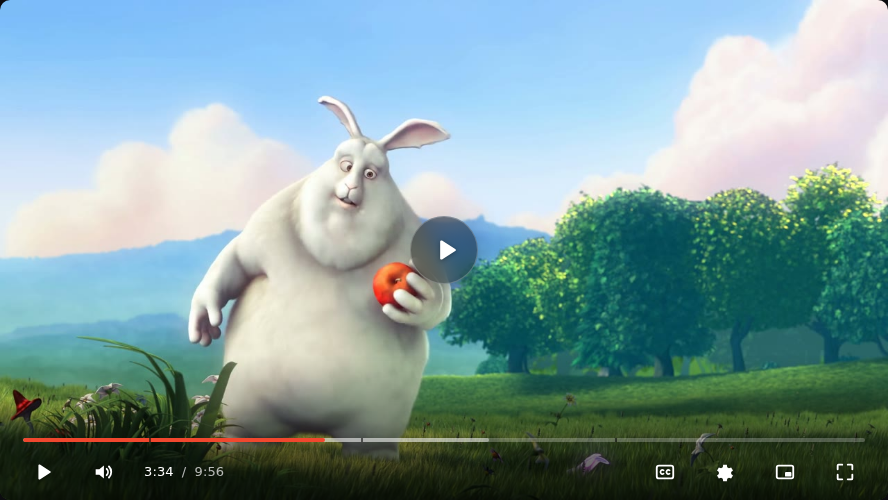
Tube is an unofficial skin inspired by video-platform patterns: a thin progress bar that grows on hover, a next button and a theater-mode toggle. It uses no third-party logos or assets and implies no affiliation.

Accent
Big Buck Bunny © Blender Foundation, CC BY 3.0, via Wikimedia Commons. HLS test stream by Mux, DASH by Akamai.

Install and use

npm i @tomato-player/core @tomato-player/skin-tube
player.ts — ts
import { createPlayer } from '@tomato-player/core';
import { tube } from '@tomato-player/skin-tube';
​
createPlayer('#player', {
src: 'movie.mp4',
skin: tube({ onNext() {}, onTheater() {} }),
});

At a glance

Options

Pass these to tube(). Every skin also accepts design tokens through createPlayer({ tokens }).

OptionTypeDescription
onNext() => voidShows a next button when set.
onTheater(on: boolean) => voidShows a theater-mode toggle when set.
Unofficial, platform-inspired design
This skin recreates common interaction patterns only. It uses no third-party logos, fonts or assets and implies no affiliation or endorsement.

More editions

Minimal skinNo.01 MinimalClean, lightweight controls. The default skin.
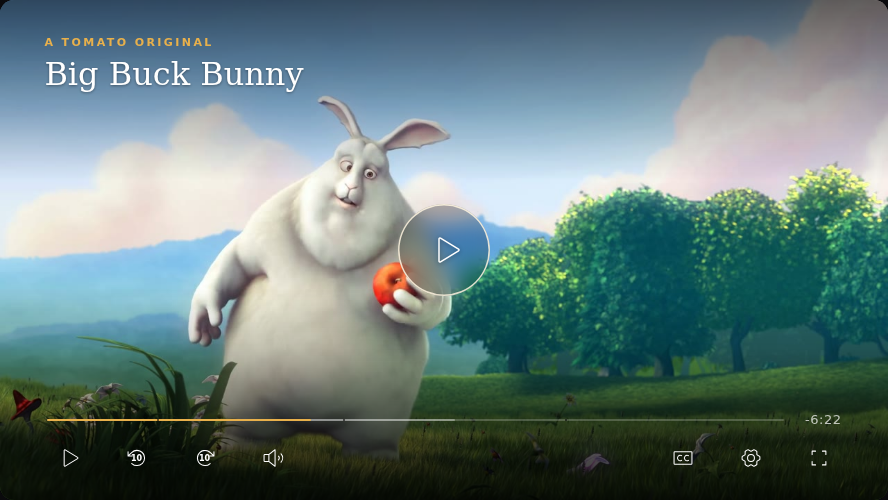
Cinema skinNo.02 CinemaPremium cinematic look with a serif title, eyebrow and gold accent.
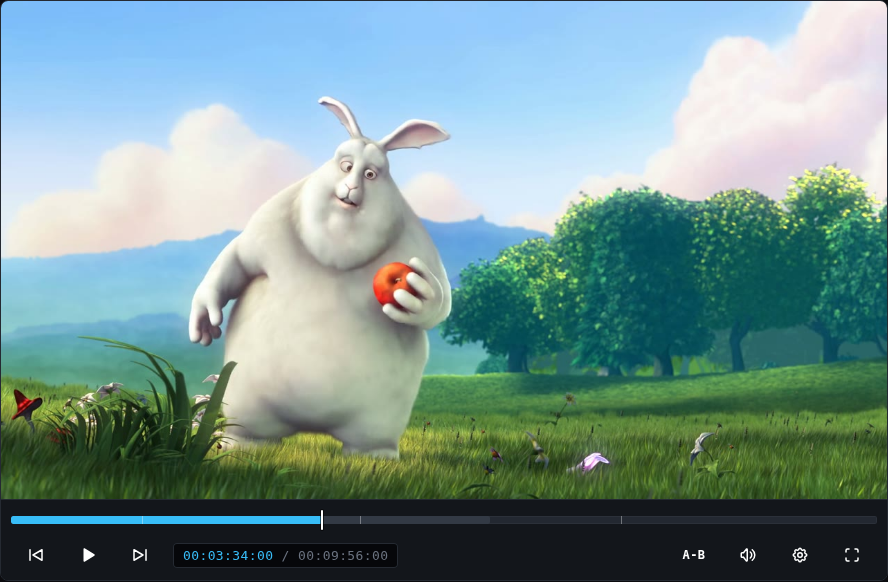
Studio skinNo.03 StudioPro toolbar with SMPTE timecode, frame stepping and A-B loop.
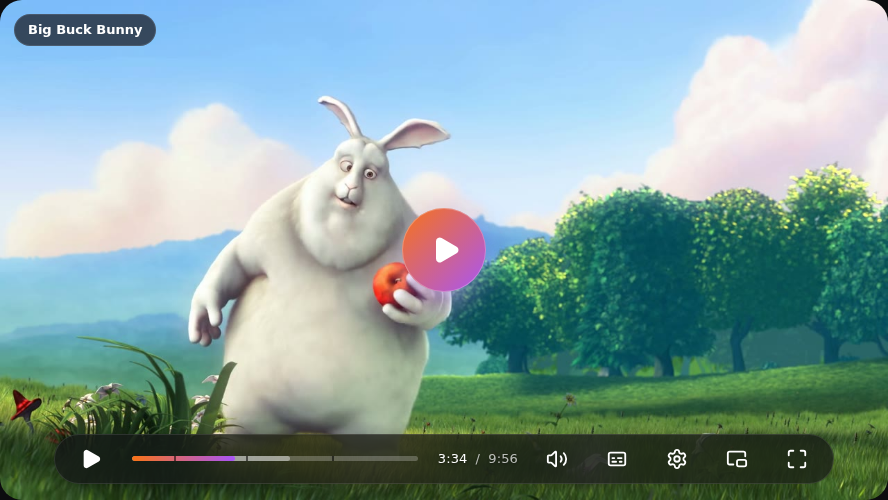
Creator skinNo.04 CreatorFloating glass pill controls with a vivid two-stop gradient.